Image 1 by 1
New equipment
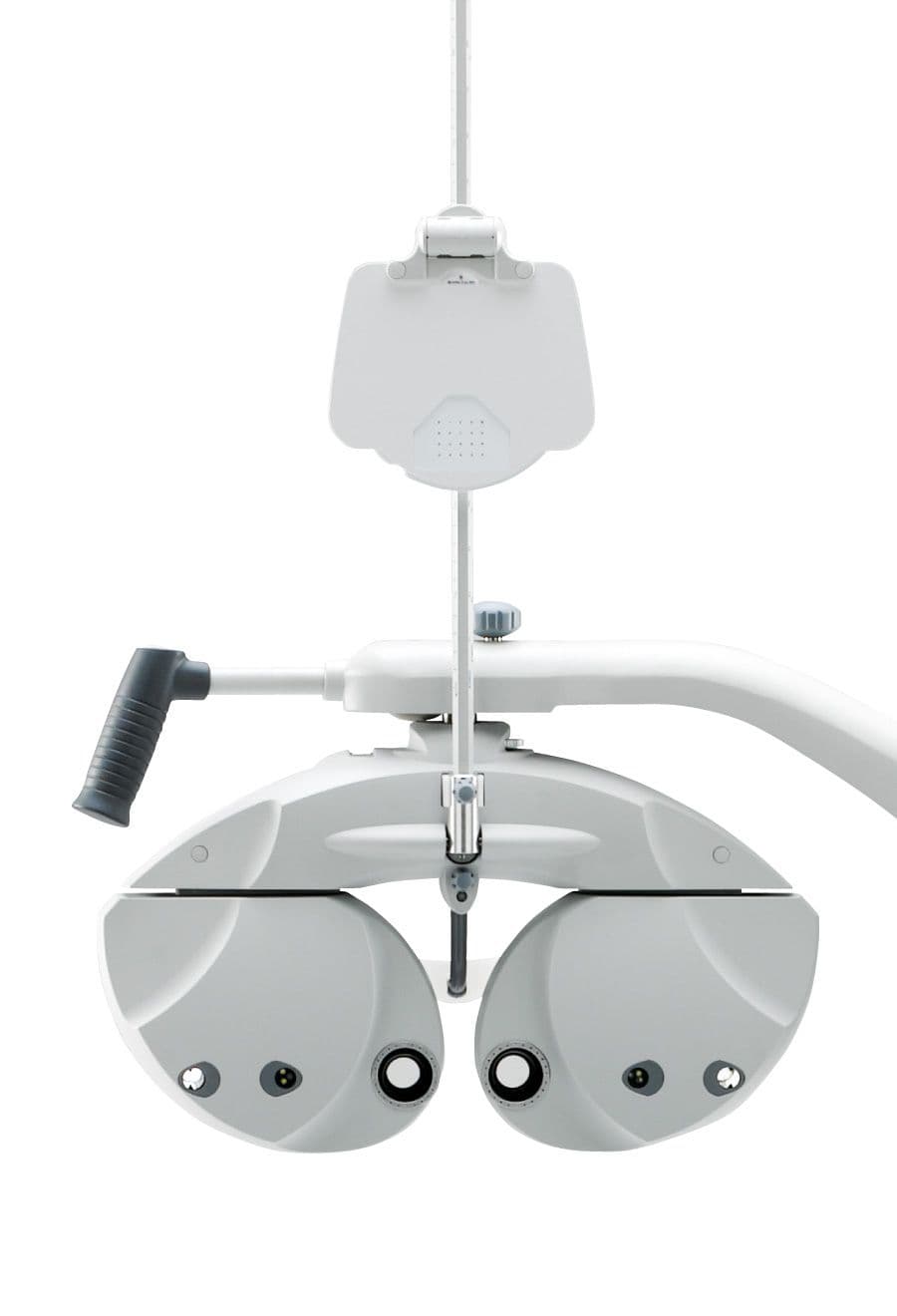
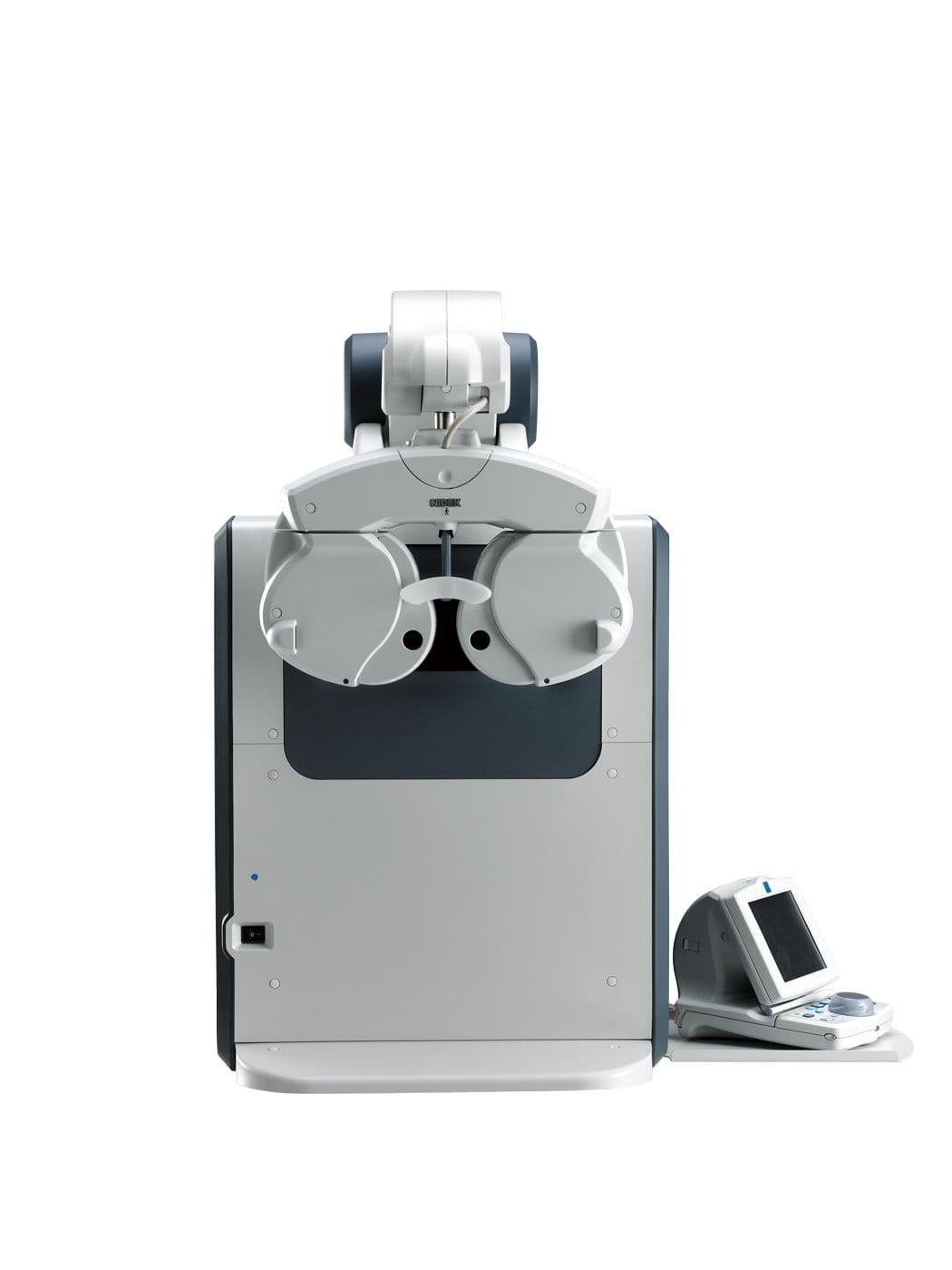
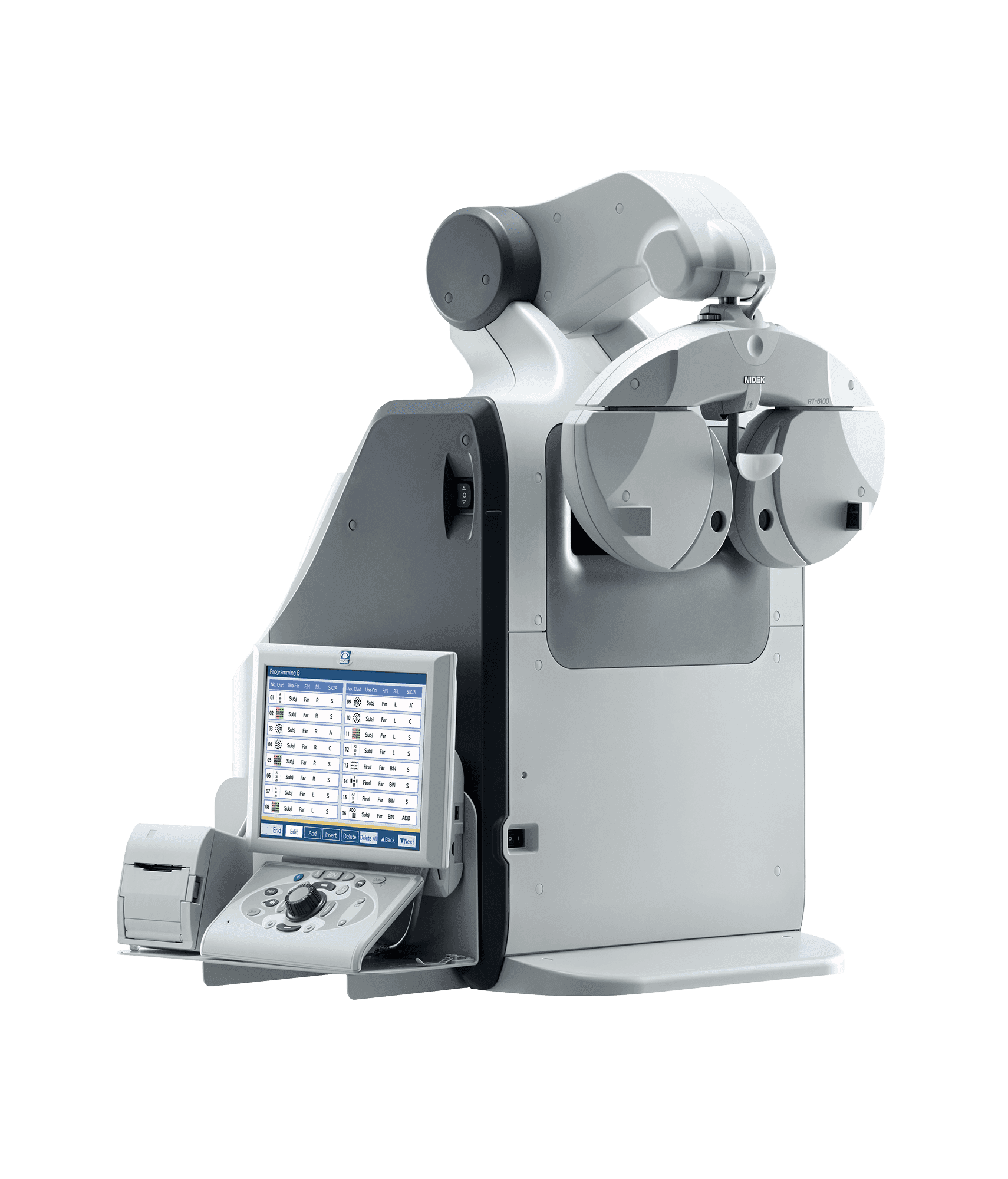
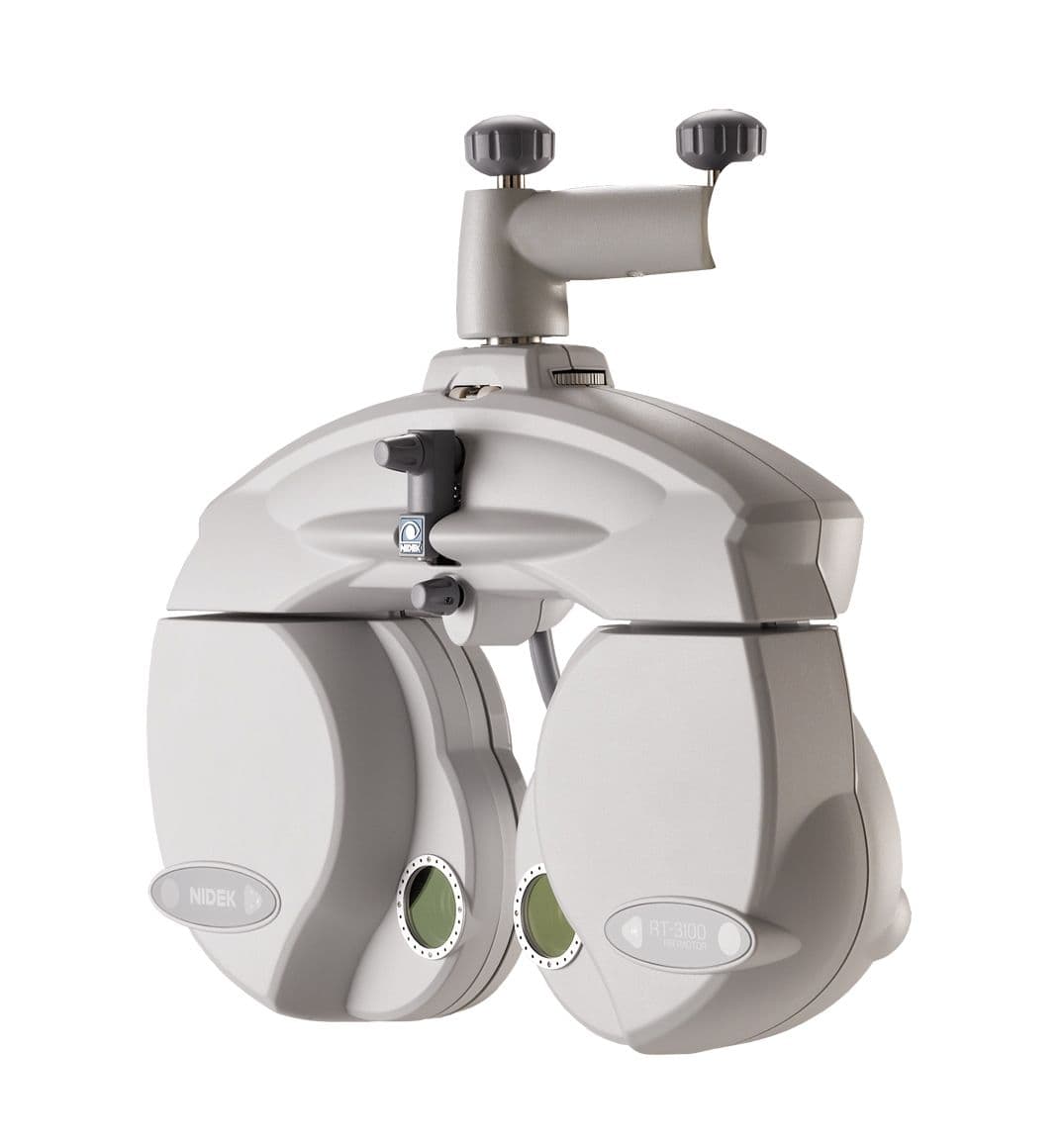
Phoropter · TopconAutomatic phoropter Topcon CV-5000 Pro
Key features:
- Quick lens change
- Flexible operation
- LED lighting for close-up vision
- Compact design for effective interaction with patients
- Lenses with high-quality anti-reflective coating
- Single-button control with KB-50S
- Fully customisable on-screen display
- Programmable refraction sequences
- Optional wireless operation via a tablet
Quick lens changes make the examination less time-consuming for both practitioners and patients. The contemporary design conveys a particularly professional impression. Thanks to its compact design, the optometrist can observe the patient’s facial expressions during the refraction test. For near vision tests, the CV-5000PRO features dedicated lighting for the near vision charts.
The CV-5000PRO can be controlled via the KB-50S control unit, which takes the form of a tablet, or via software.
CV-5000PRO control unit
Software control
Computer-based control is also possible. A specially developed operating system enables operators to use their own PC. The design of the user interface provides an excellent overview of the refraction data.
A monitor and mouse can be connected to the CV-5000PRO system’s internal computer. This configuration is one of three options for controlling the CV-5000PRO phoropter.
KB-50S
All functions of the CV-5000PRO automatic phoropter can be controlled via the KB-50S control panel. The large colour LCD touchscreen of the Topcon KB-50S offers the best overview of refraction values of any device on the market. In addition, the KB-50S includes a sales support function. Practitioners can demonstrate to patients the benefits of, for example, various types of multifocal glasses. The KB-50S displays an explanation of the terms presbyopia, myopia and hyperopia for patients.
*Image and text sources: Topcon Europe Medical B.V., German Branch
- Quick lens change
- Flexible operation
- LED lighting for close-up vision
- Compact design for effective interaction with patients
- Lenses with high-quality anti-reflective coating
- Single-button control with KB-50S
- Fully customisable on-screen display
- Programmable refraction sequences
- Optional wireless operation via a tablet
Quick lens changes make the examination less time-consuming for both practitioners and patients. The contemporary design conveys a particularly professional impression. Thanks to its compact design, the optometrist can observe the patient’s facial expressions during the refraction test. For near vision tests, the CV-5000PRO features dedicated lighting for the near vision charts.
The CV-5000PRO can be controlled via the KB-50S control unit, which takes the form of a tablet, or via software.
CV-5000PRO control unit
Software control
Computer-based control is also possible. A specially developed operating system enables operators to use their own PC. The design of the user interface provides an excellent overview of the refraction data.
A monitor and mouse can be connected to the CV-5000PRO system’s internal computer. This configuration is one of three options for controlling the CV-5000PRO phoropter.
KB-50S
All functions of the CV-5000PRO automatic phoropter can be controlled via the KB-50S control panel. The large colour LCD touchscreen of the Topcon KB-50S offers the best overview of refraction values of any device on the market. In addition, the KB-50S includes a sales support function. Practitioners can demonstrate to patients the benefits of, for example, various types of multifocal glasses. The KB-50S displays an explanation of the terms presbyopia, myopia and hyperopia for patients.
*Image and text sources: Topcon Europe Medical B.V., German Branch
Personalised adviceOur own service
Product details from the existing range. Subject to change and prior sale.
YOU MAY ALSO BE INTERESTED IN